Patients and exams
Registration, search, editing, archiving, duplicate merging, history, follow-ups and clinical data by specialty.
MEDICAL SOFTWARE FOR EXAMS AND REPORTS VERSION 16.5
Visus Pro 16.5
Capture, analysis and reporting in one workflow.
Medical software to capture exam images and videos, organize findings and issue PDF reports. Visus connects every step to the patient's history for clinics and healthcare professionals.
01 / THE PLATFORM
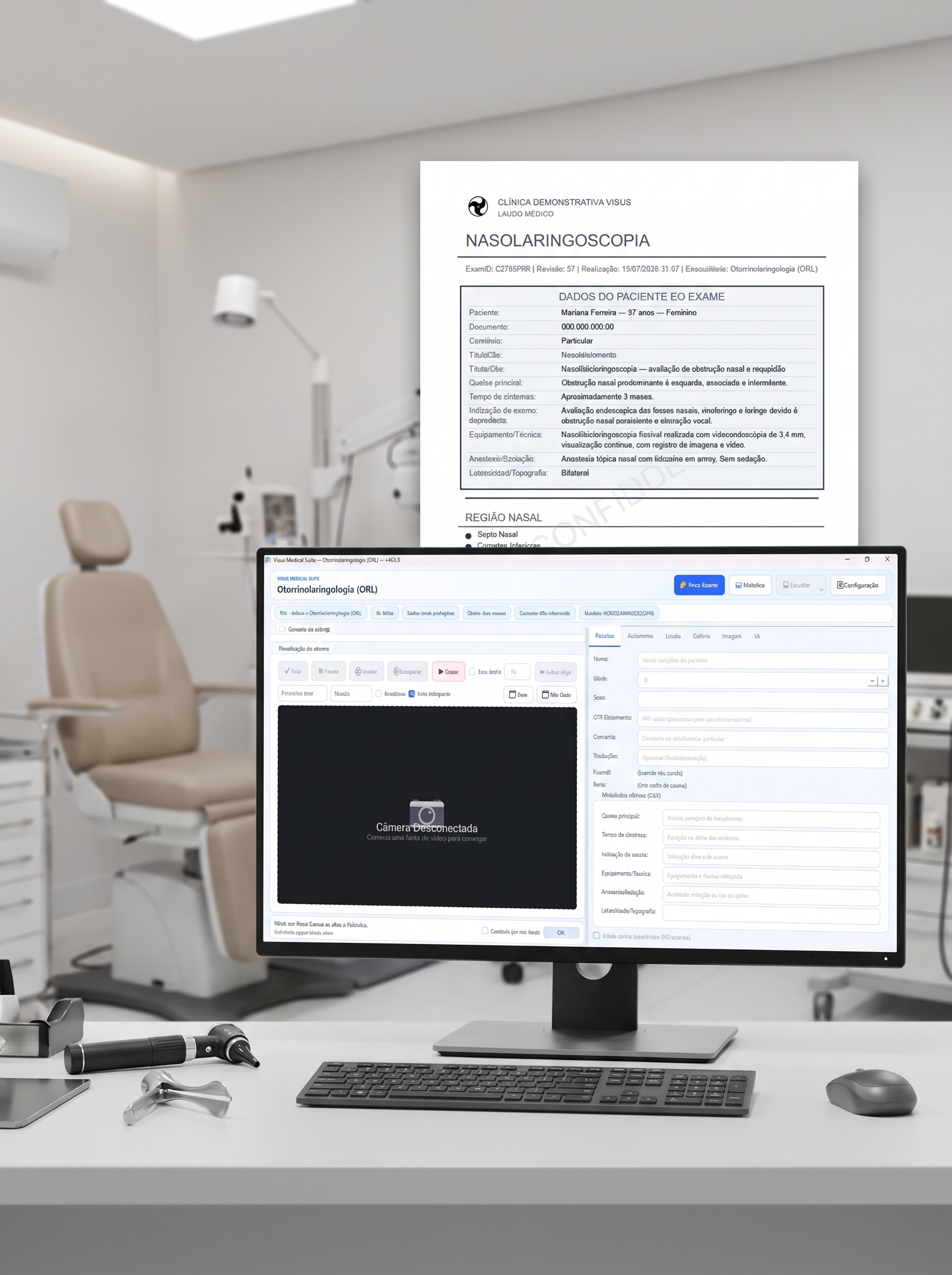
Visus connects what happens during the procedure with what must be preserved afterwards: images, videos, clinical data, findings, report and patient history.
Registration, identification, clinical metadata and follow-ups linked to the patient history.
Live video, photos, recording, clips, audio and an organized gallery.
Annotations, comparison, technical metrics, findings and local assistants.
Structured report, preview, PDF, signature and continuity in the patient history.
THE VALUE FOR YOUR ROUTINE
Visus was designed so your team doesn't have to switch between camera, image folders, word processor and reporting system. The exam stays organized from the first capture to the delivery of the report.
02 / CAPTURE
Work with USB, HTTP Snapshot or MJPEG cameras. Freeze the image, capture the best shot, record the procedure or recover a recent segment as 10, 20 or 30-second clips.
IMAGE CONNECTIVITY
Meet the Wi-Fi module for USB UVC cameras and the analog CVBS to USB UVC video converter. Each serves a different source; compatibility is checked by model, signal and connectors.
See modules and check compatibilityThe module converts or transmits the signal. Visus organizes the capture and documentation of the exam.
03 / VISUAL ANALYSIS
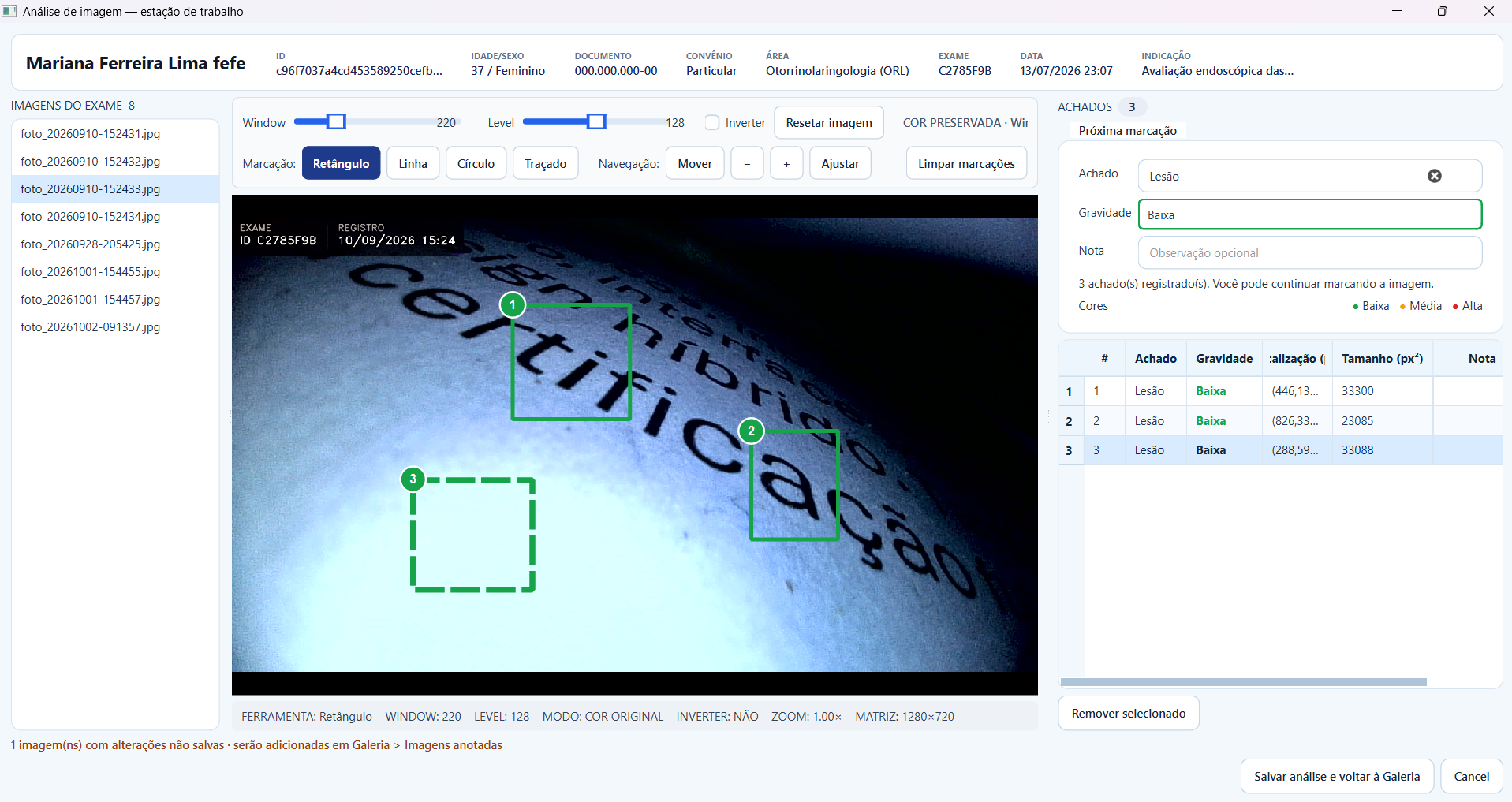
Organize the gallery, annotate images and compare records from the same patient. The imaging workstation lets you review findings without overwriting the original.
Image metrics are technical and do not constitute a diagnosis.
04 / DOCUMENTATION
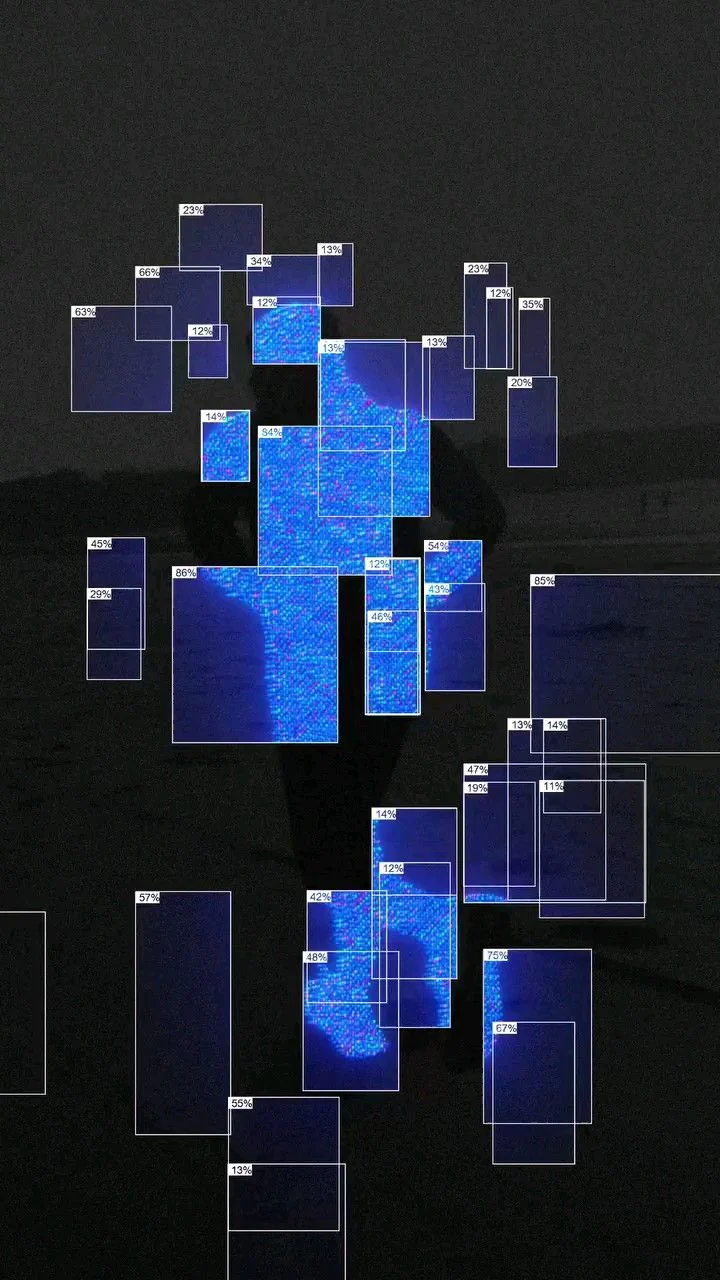
Choose the procedure, fill in structured sections and review findings with the images at hand. Preview the PDF before issuing and keep every version linked to the exam.
05 / SEE THE SOFTWARE
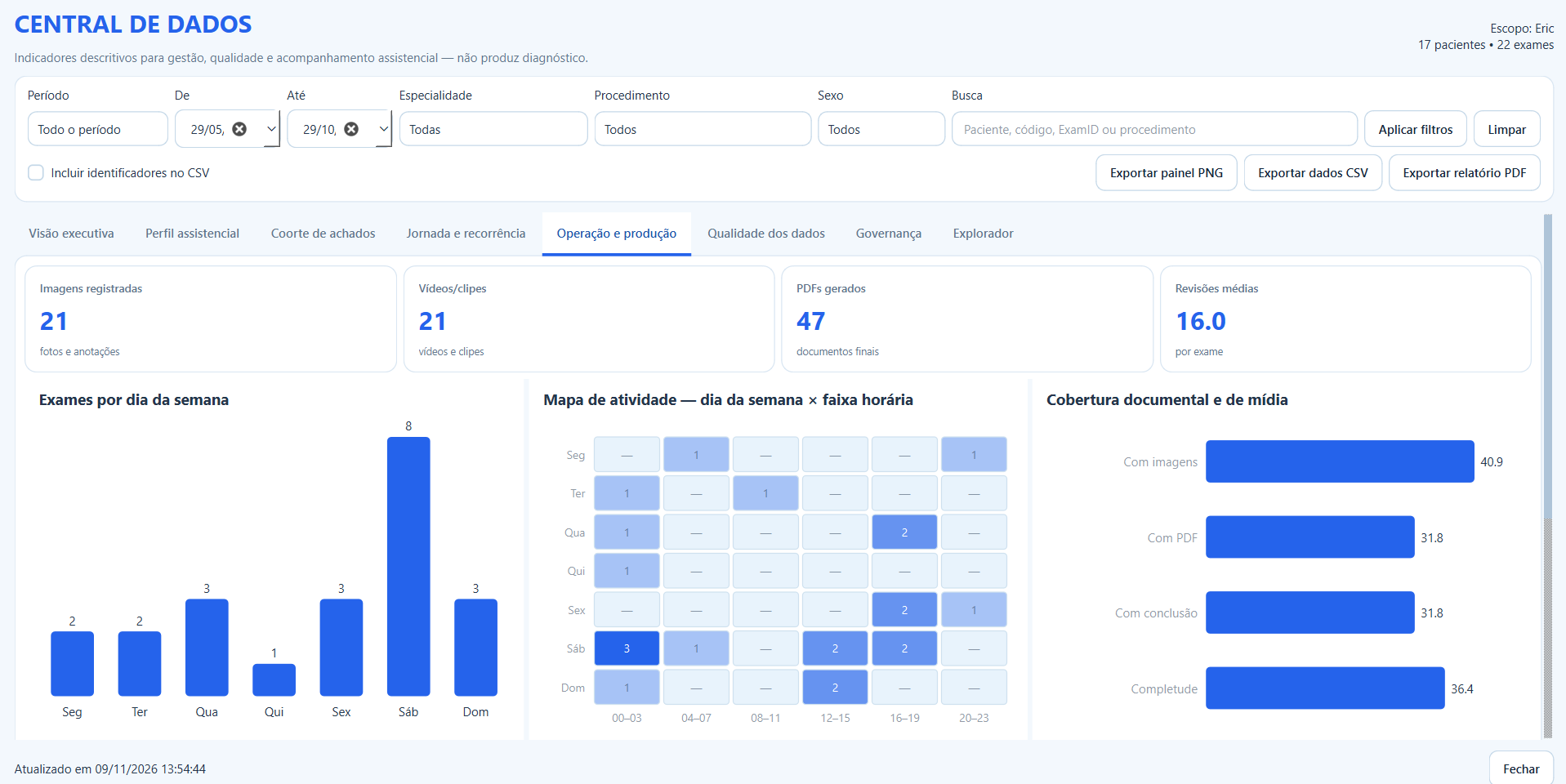
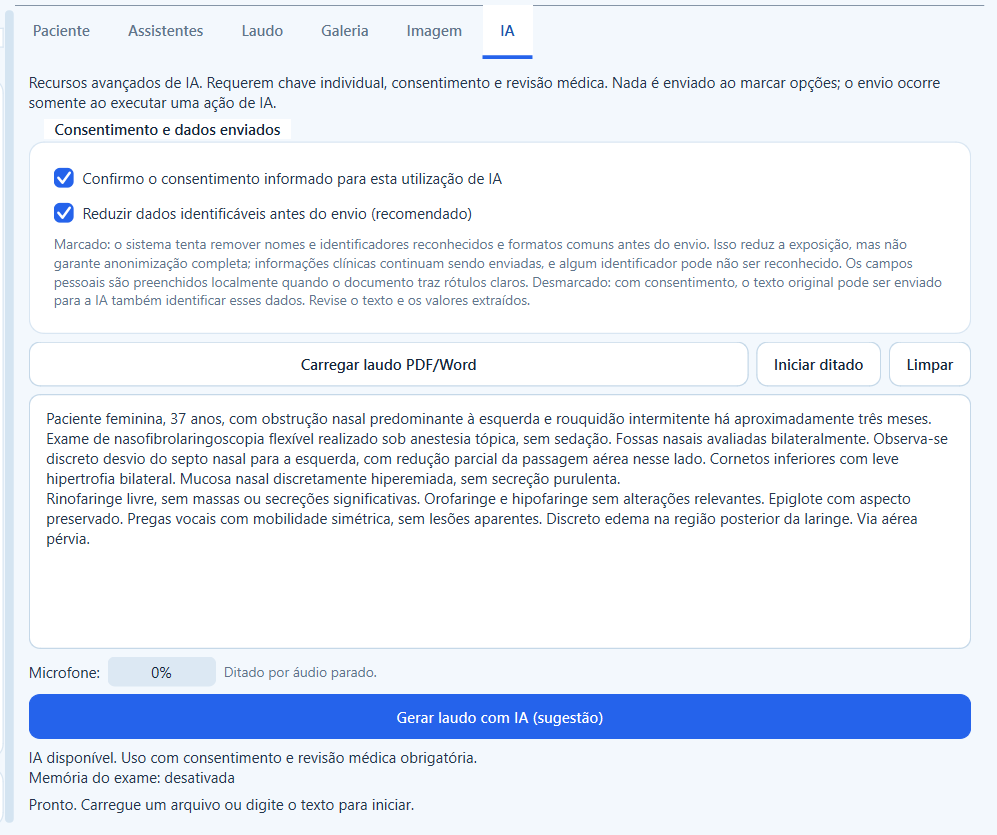
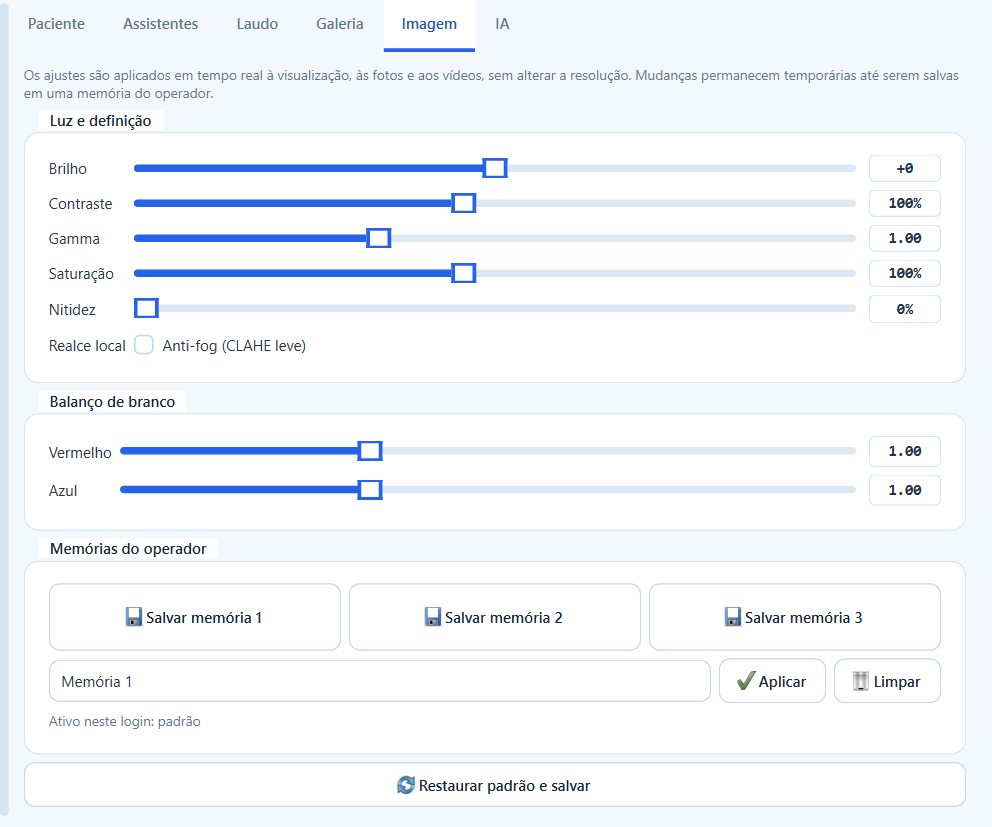
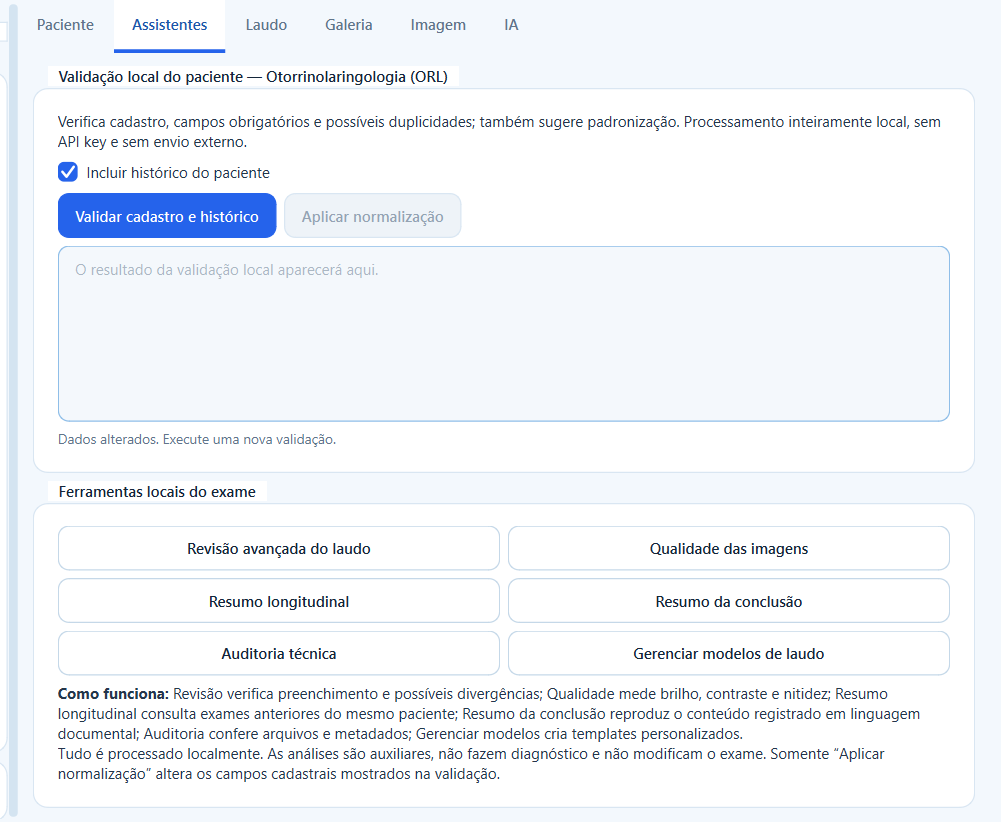
Explore the screens that support analysis, documentation, dashboards, image adjustments and local assistants.
06 / SYSTEM TOOLS
Beyond the core of capture, analysis and reporting, Visus brings together features to organize the entire operation.
Registration, search, editing, archiving, duplicate merging, history, follow-ups and clinical data by specialty.
Photos, videos, clips, audio, thumbnails, best frames, moment markers and grouping of similar images.
Registration validation, report review, image quality, longitudinal summary, template suggestion and note structuring with consent.
Offline voice commands in Portuguese, audio recording, text import from PDF/DOCX and exam export as PDF, JSON or encrypted ZIP.
Production indicators, care profile, recurrence, data quality and governance, with filters and analytical export to PNG, CSV or PDF.
Audit trail, SHA-256 integrity manifest, local backup, data separated by account and an offline queue for metadata synchronization.
Physician and clinic details, report logo and colors, privacy, storage, backup and a preview before migrating legacy data.
07 / ISR VISION
The ISR concept — Intelligence, Surveillance and Reconnaissance — is well known in military technology. In Visus, it inspires how the visual workflow is organized: follow the signal, record evidence and review images within the context of the exam.
It is a methodological reference applied to clinical documentation. The software is not military equipment and does not produce automatic diagnoses.
08 / SPECIALTIES
Fields, sections and templates adapt to the selected procedure.
09 / RESPONSIBLE TECHNOLOGY
Local assistants help review data and images. External AI can suggest text and templates when configured and authorized, always for the professional's evaluation. It does not diagnose or sign reports.
Exams stay primarily on the computer. Audit trail, integrity manifest and backup support traceability. The queue synchronizes eligible metadata; uploading clinical files is disabled by default.
FREQUENTLY ASKED QUESTIONS
It is medical software for capturing exam images and videos, organizing patient records, visual analysis and creating digital PDF reports.
Yes. The system provides structured templates for procedures across five specialties and lets you review the document and preview the PDF before issuing it.
Visus covers Otorhinolaryngology, Urology, Gastroenterology, Bronchoscopy and Gynecology. Procedures include, for example, videolaryngoscopy, cystoscopy, upper GI endoscopy, colonoscopy, bronchoscopy, colposcopy and hysteroscopy.
No. AI can assist with suggestions when configured and authorized, but it does not diagnose or sign reports. Clinical evaluation and decisions remain with the professional.
Visus supports USB, HTTP Snapshot and MJPEG cameras. Request a demo so we can evaluate the video source and workflow used in your clinic.
10 / TRY VISUS
Leave your details and request a demo. We will show the Visus Pro 16.5 workflow according to your specialty, video source and documentation routine.